Evaluate the learner experience
Request a guided Presidents demonstration with the delivery setup and accommodations your institution needs to inspect.
Request a learner demonstration →Explore a question and real product screens here without signing in. When you’re ready, open the prepared assessment in the authoring app.
No account is needed for this page. The app sample requires sign-in or account creation. A learner demonstration can be arranged separately.
The sample contains 21 questions in four sections. Use them to inspect question structure, response types, and assessment assembly.
Foundations & Recall
Select the President whose leadership defined the peaceful transfer of power.
George Washington
Choose a screen to explore assessment assembly, question preview, or delivery. These are screenshots from the app.
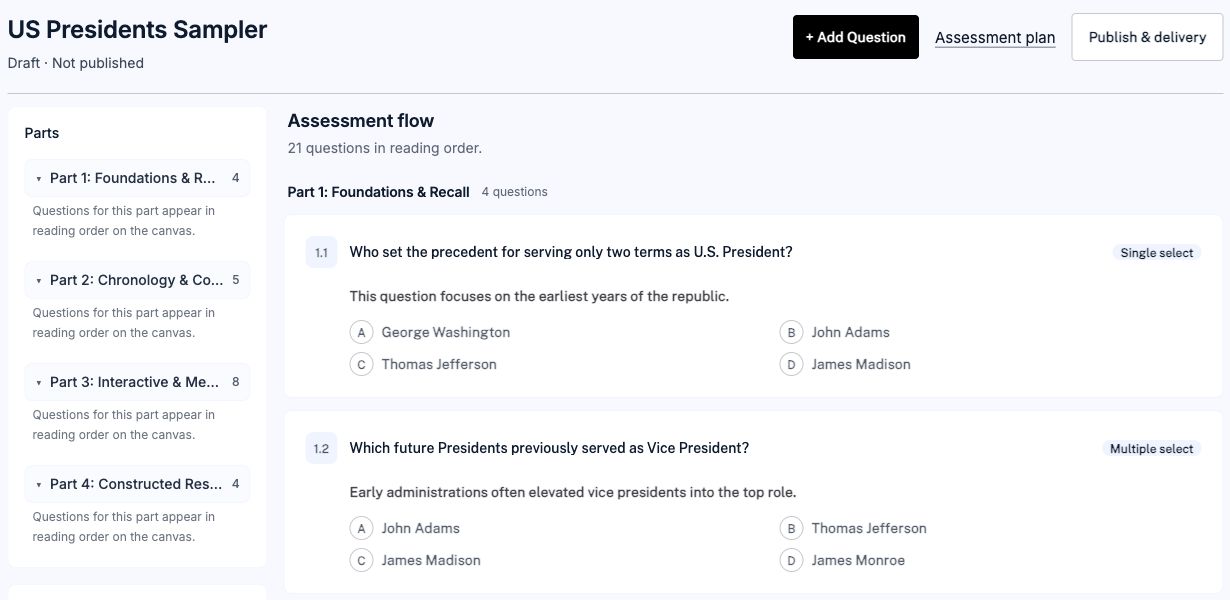
Arrange questions into parts and review the assessment structure in one workspace.
View full-size screenshot →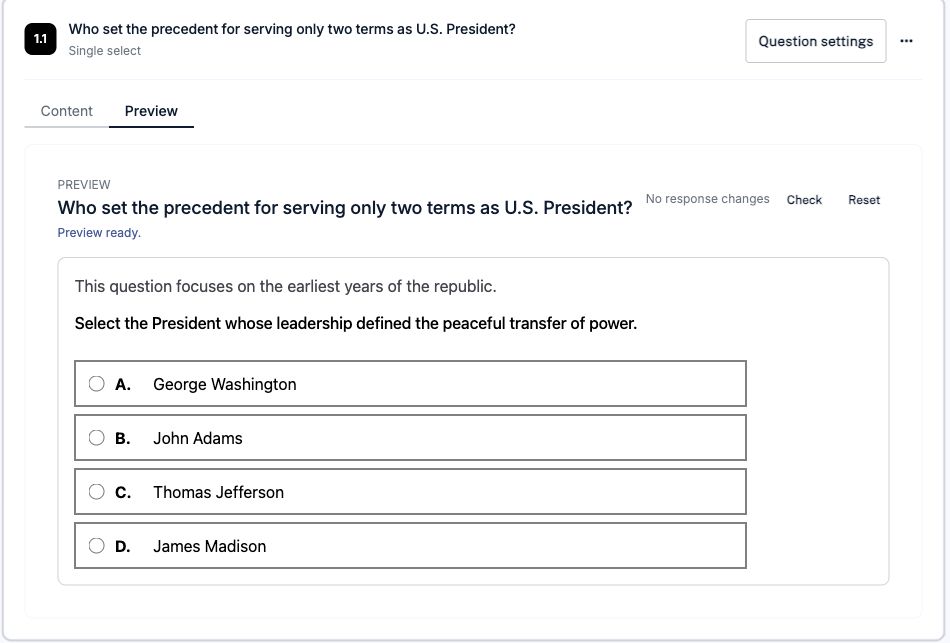
Open a question’s preview to inspect the prompt and answer choices. This screen shows the authoring preview.
View full-size screenshot →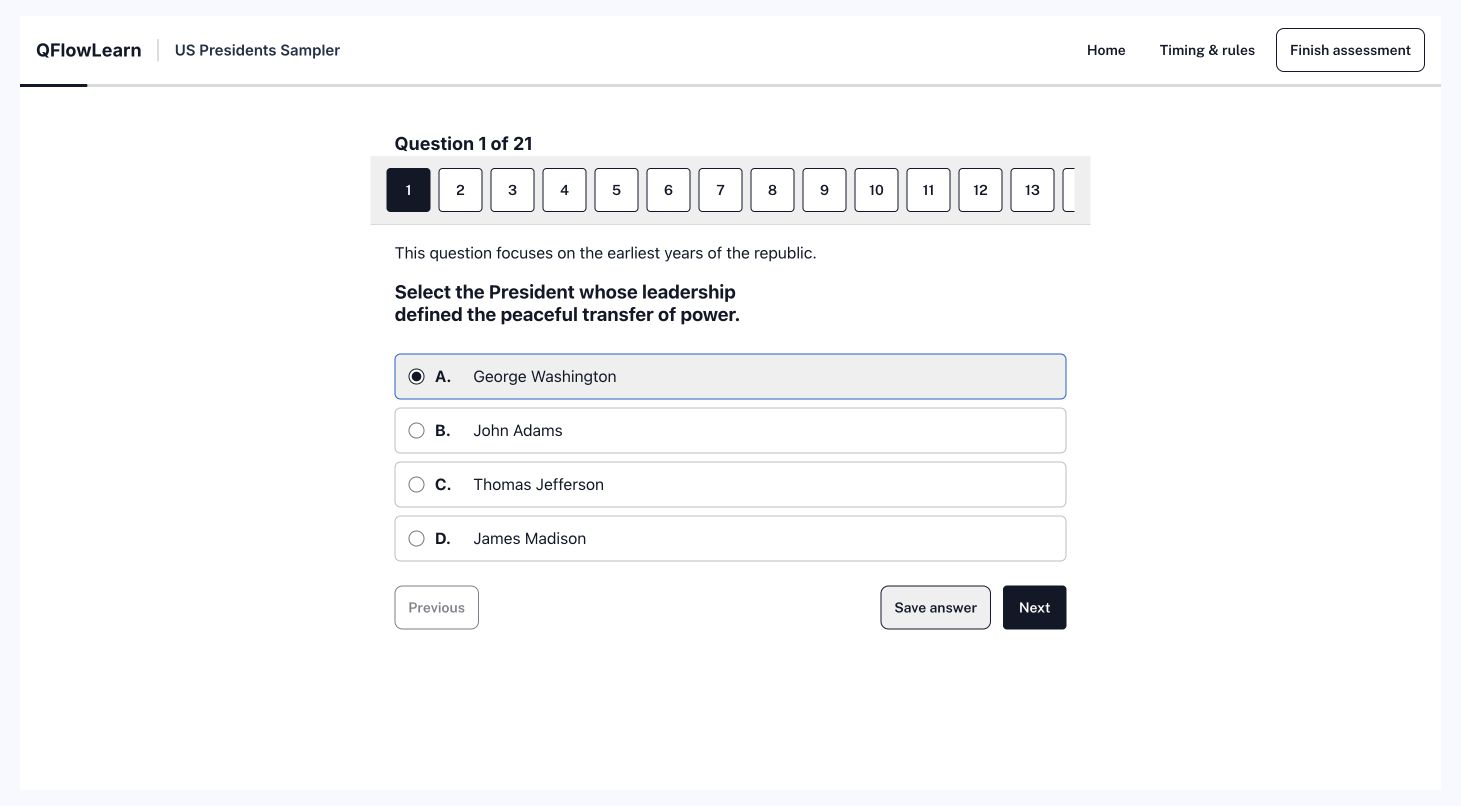
Follow question navigation and answer controls in the published delivery preview. Delivery setup is a separate step.
View full-size screenshot →The website question above is a content preview. It does not create a learner attempt or produce a score report.
Request a guided Presidents demonstration with the delivery setup and accommodations your institution needs to inspect.
Request a learner demonstration →The reporting page explains completion, item responses, and export fields. Its illustrative data is separate from the sample you open.
Explore reporting examples →