Preview the question as you work
Inspect how the content renders and responds to an answer. Review the supported question types and check complex interactions in the learning system where the assessment will be used.
Explore editing and preview →Write or import questions, try them in preview, and assemble an assessment in your browser. Start with your own content or explore the prepared Presidents sample.
Faculty and instructional designers can work from existing questions or write new content. Keep the prompt, answer options, feedback, and scoring information together as you edit.
If your questions are in a file, import a supported format and review the conversion notes before using the content.
Bring in existing questions →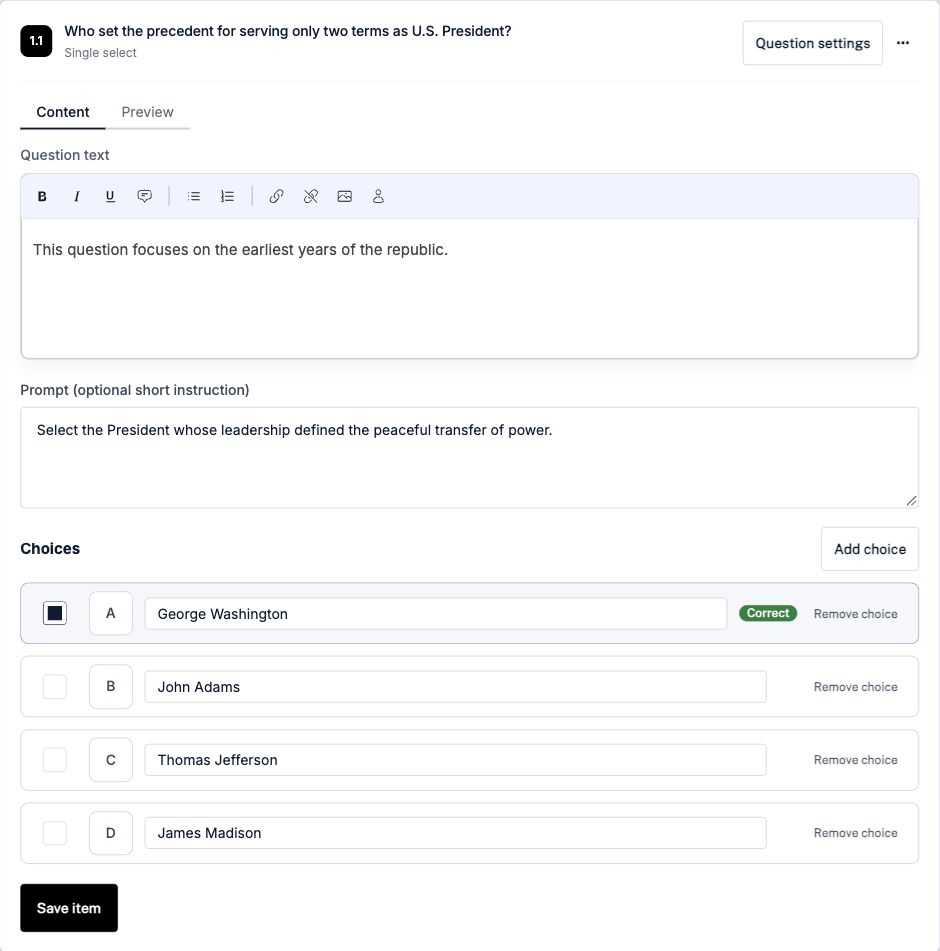
Inspect how the content renders and responds to an answer. Review the supported question types and check complex interactions in the learning system where the assessment will be used.
Explore editing and preview →Add meaningful alternative text, captions, and clear instructions where needed. Review the accessibility fields available for each question type and the responsibilities of the delivery system.
Review accessibility support and testing →Choose questions, review their settings, and prepare the assessment for your intended destination. Keep reviewed content in the bank for future assessments.
Plan learner delivery →Explore the Presidents sample, then sign in to open it in the authoring workspace.
Explore the Presidents sample Managing a shared bank? Explore the institutional workflow →