See the assessment from the learner’s side

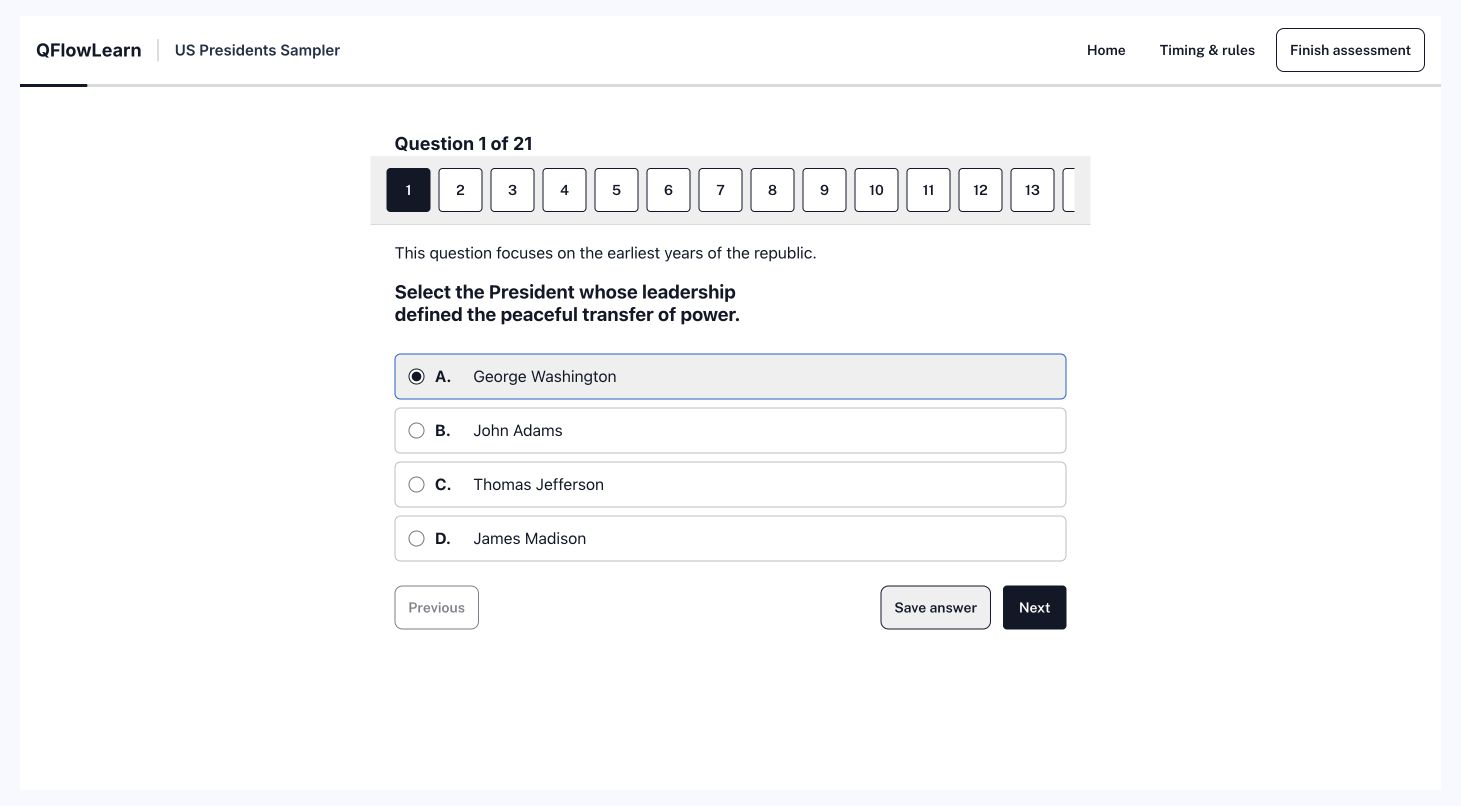
The Presidents delivery preview shows question navigation, answer selection, and the controls learners use to save and move on.

Use a guided evaluation to follow the full path from learner access to a submitted response and its result.

Request a guided learner demonstration →
The published Presidents assessment in delivery preview, with question navigation, an answer selected, and Save answer and Next controls.
Published sample in preview mode. Written responses can require review before a final score is available.

Deliver through your LMS

Review the Learning Tools Interoperability (LTI) launch, course access, roster, and grade-return requirements with your LMS administrator.

Your evaluation should include a learner launch from the actual course and a result returned to the intended gradebook.

Review LMS connections →

Evaluate standalone delivery

If you do not use an LMS, establish how learners receive access, how assignments are provisioned, and how your team retrieves results.

Confirm identity, roster, and reporting requirements before choosing the setup.

Review the delivery workflow →

Test the conditions your learners face

  • Several learners starting and finishing at the same time
  • A connection lost during an active assessment
  • A response awaiting a submission receipt
  • A corrected question or answer key

For unreliable connections, review recovery during an active attempt. Starting and completing an assessment entirely offline requires a separate evaluation; connection recovery alone does not establish support for that workflow.

Review connection recovery → Inspect reporting examples →

Review your delivery requirements

Include your LMS, identity provider, expected assessment conditions, and required result destination.

Request a tailored response